
Slice-to-slice comparison
Compare slices. Not two tabs.
Two images move and scale as one. A precise divider reveals differences without making you switch between tabs.
Interactive example
Two slices under one set of controls
Move the divider, adjust the scale, and swap studies directly in the interactive preview.
A · Current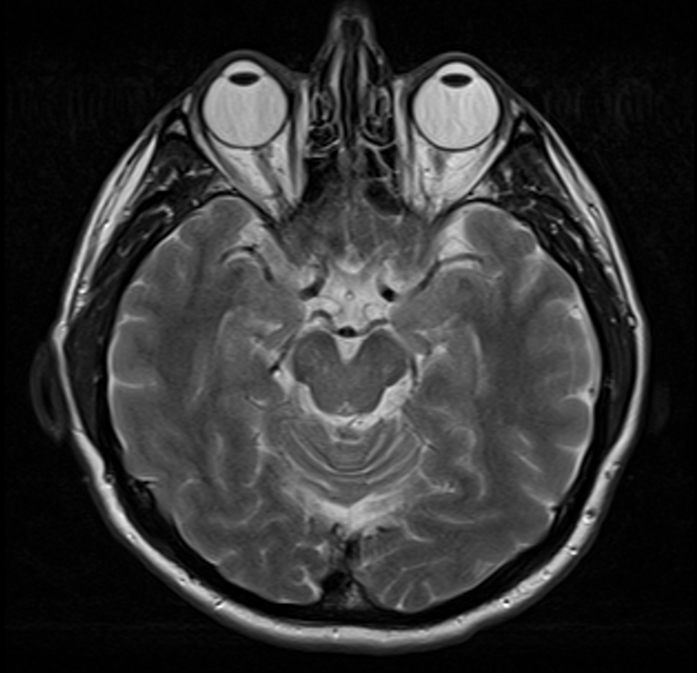
B · Comparison
×0.95
Synchronized comparison
Two studies become one workspace
Both sides of the comparison remain one workspace and respond to the same user actions.
SHARED DIVIDER01
Compare with one line
One divider joins the images without frames, gaps, or a visual break.
SYNCED VIEW02
Move both slices in sync
Image scale and position move together for precise visual inspection.
PROGRAM PAIRING03
Pair the right programs
Compare different programs or studies while preserving orientation and the active region.
FAST CONTROLS04
Switch views without rebuilding
Swap sides and return to the starting scale with a single action.
SLICE NAVIGATION05
Scroll in sync through the series
Move through adjacent slices in both series together without losing the matched level.
MATCHED LABELS06
Compare by landmark
Labels remain visible on both sides, helping you compare the same anatomical landmarks.
Compare slices directly
Compare studies and programs with one divider and synchronized image controls.
Open comparison