
The complete study. Not an isolated frame.
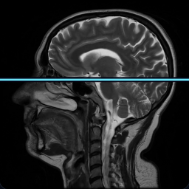
Choose a body region, modality, and program, then move through the entire series slice by slice. No images detached from their study.
 01
01 02
02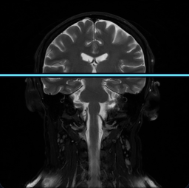 03
03Interactive example
A catalog that takes you straight to the series
 VIEWMIUMSearch the atlas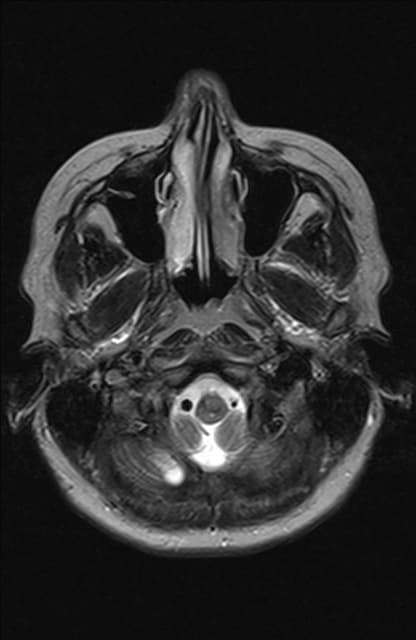
Study navigation
Context starts before the first slice
The full study in one card
Region, modality, programs, and slice count come together in one complete study card.
From body region to the right series
Start with a clear body region and narrow the catalog to the series that matter.
Every program stay together
T2, FLAIR, ADC, and other programs stay together and switch without another search.
Continue where you stopped
VIEWMIUM remembers the selected study and helps you return to the relevant place.
Remove the noise before opening a series
Filters for modality, content, and access narrow the catalog to the studies that actually matter.
See the series as a whole
Thumbnails reveal the full sequence at a glance and take you directly to the relevant slice.
Open a complete study
Choose a body region, study, and program—VIEWMIUM keeps the full context through the final slice.
Open the catalog