
Your labels and notes
Your labels directly on the slice.
Draw pointers, choose color and line style, add labels, and save an observation on the exact slice where it belongs.
Interactive example
Tools built directly into the image
Select a label, change its color and line, or create your own annotation inside the viewer preview.
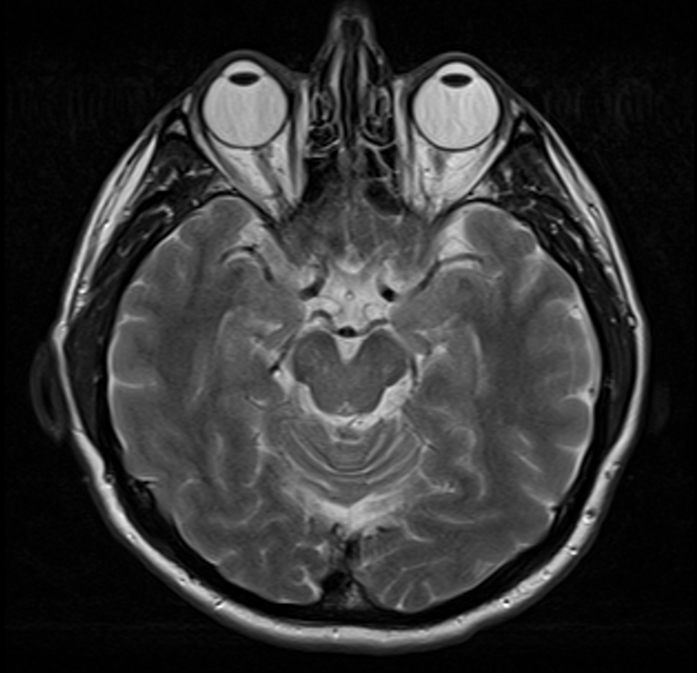
A personal study layer
A personal note becomes part of the slice
Personal annotations use the same visual language as published material while remaining part of your own learning layer.
DRAW & LABEL01
Mark directly on the image
Select an exact region, draw a leader line, and name what matters to you.
COLOR CODING02
Separate notes with color
Use color to distinguish groups of personal observations at a glance.
LINE STYLES03
Fit the line to the image
Choose line weight and style for the image scale and density in front of you.
SAFE EDITING04
Edit without fear
Undo the last action or remove one label without affecting the rest of your work.
SLICE MEMORY05
Attach each observation to its slice
Every annotation stays attached to the exact slice and point where you created it.
PRIVATE LAYER06
Keep your work separate
Your labels form a private layer and never mix with the atlas’s published annotations.
Save your observation
Create your own layer of pointers and notes directly on the relevant study slices.
Open the viewer