
AI sees the open slice.
The assistant receives the current program, slice, and published labels. Every question starts from the image, and every answer can return to its source.
Interactive example
Every answer starts with the current image
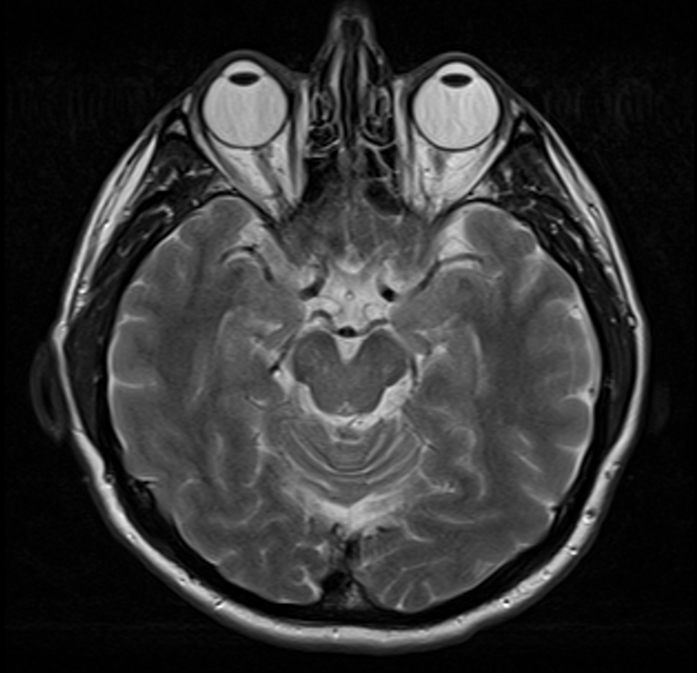
AI in study context
The conversation keeps the image context
Understands what is open
AI receives the selected study, program, slice, and active label.
Grounded in the atlas
Answers connect to published VIEWMIUM records and reference cards.
Leads back to the image
A link in the answer returns to the structure, card, or exact slice.
Explains without replacing clinicians
The assistant supports learning but does not diagnose or replace clinical judgment.
Ask further without repeating yourself
Follow-up questions continue the same explanation without making you describe the open slice again.
Move directly to the next step
Suggested actions can explain a structure, compare a neighboring slice, or reveal its connections.
Ask about the open slice
Open a study, select a label, and ask a question—the relevant context is already attached.
Open VIEWMIUM AI