
Open the explanation. Keep the scan open.
Descriptions, occurrences on other slices, and personal notes open beside the study. The image stays where it is—and remains the focus.
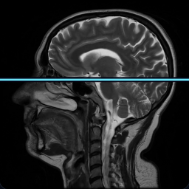
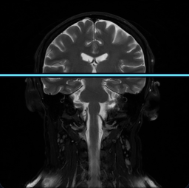
Interactive example
The explanation opens while the study stays visible
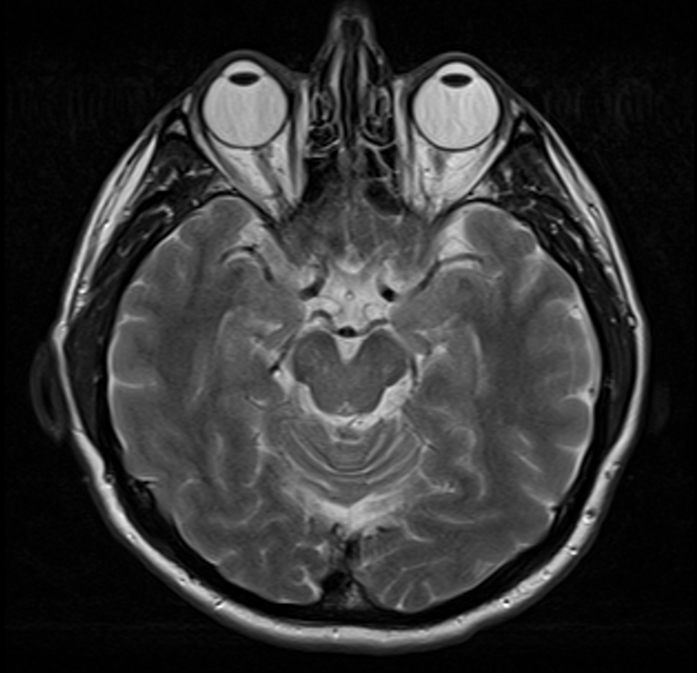
Knowledge without losing your place
A card opens beside its context
The description appears beside the scan
A focused explanation opens at the side without covering the study area.
See the structure across slices
The gallery shows where the selected structure appears across other studies and slices.
Add a note to the card
Save your own observation in the same card and the context of its source study.
Return to the same place
Close the panel and the zoom, program, and current slice remain unchanged.
Keep exploring through connections
Related structures and pathologies continue the explanation without another atlas search.
Save cards for later
Save a card independently from its study and return to it from your personal collection.
Open knowledge beside the scan
Move from label to explanation and back without closing the study or losing the active slice.
Open the atlas