
Anatomy stays on the image.
Every label is attached to a specific structure and image location. It follows the scan and opens connected knowledge with one selection.
Interactive example
Labels that remain part of the image
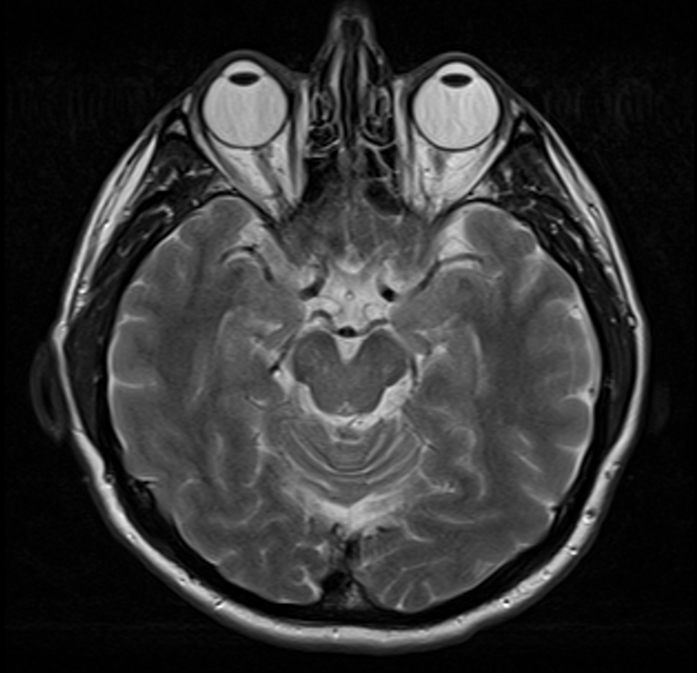
Precise anatomical navigation
A label works like a precise link
A label stays at the exact point
The marker and leader line stay attached to the structure while the image zooms and moves.
Color carries meaning
Color separates structures, pathologies, and personal notes without adding another panel.
A label behaves like a link
Selecting a label opens the related card like a direct link embedded in the image.
The slice context stays attached
The opened card knows which study, program, and slice the user came from.
Keep only the labels you need
Hide or restore separate label groups so only the layer you need remains on the image.
Focus on one structure
The selected label becomes more prominent while the rest stay in place without competing for attention.
Explore anatomy on the image
Select structures directly on the image and move to their explanation without a separate search.
Open the atlas